50+ Midjourney Horror
Photo Prompts
Midjourney horror photo prompts ready to copy and use — scary babies, horror nuns, cursed faces and horror portraits. Every prompt tested and used to create real AI horror imagery. 100% free, no signup needed.
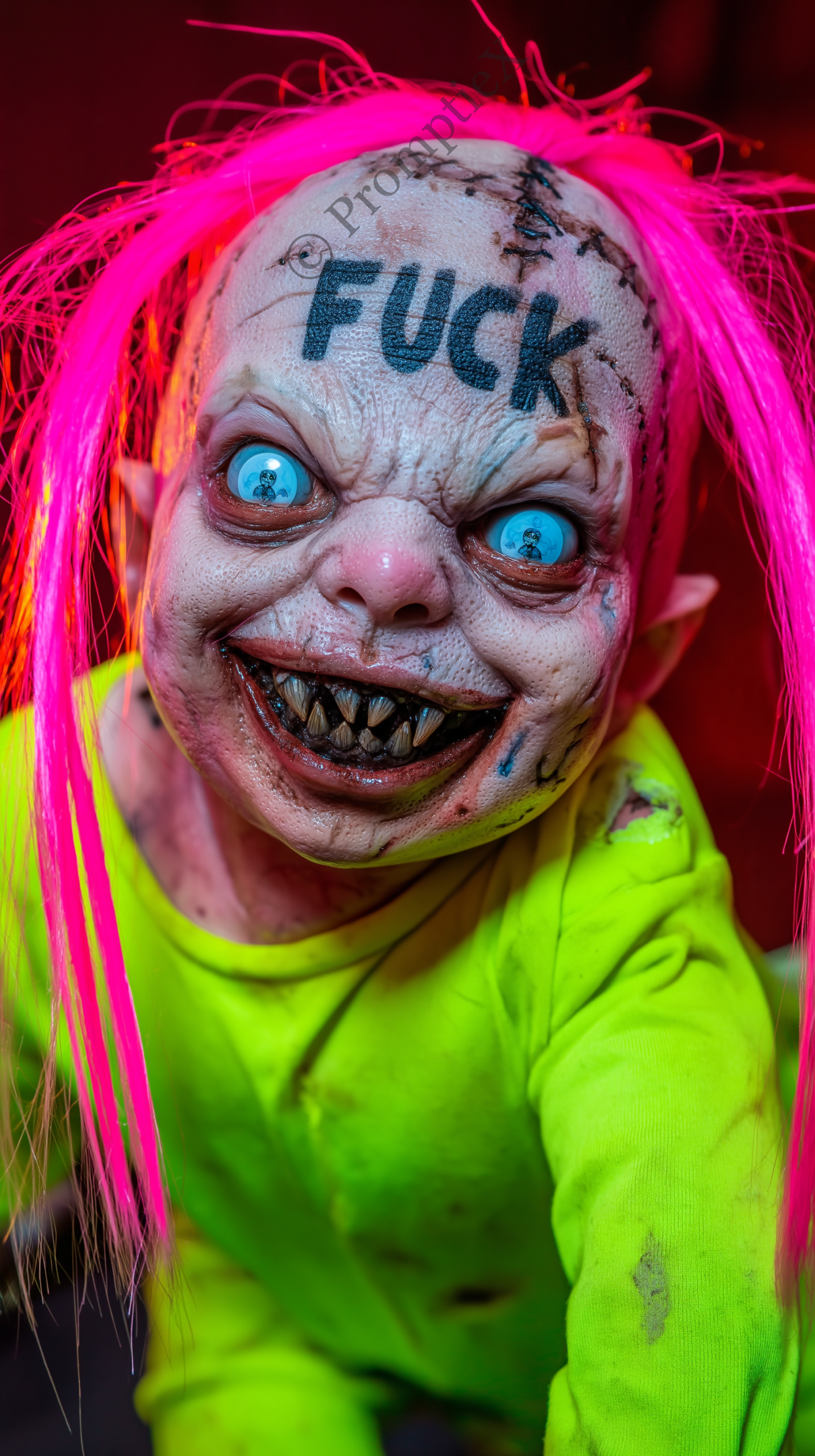 SCARY BABY
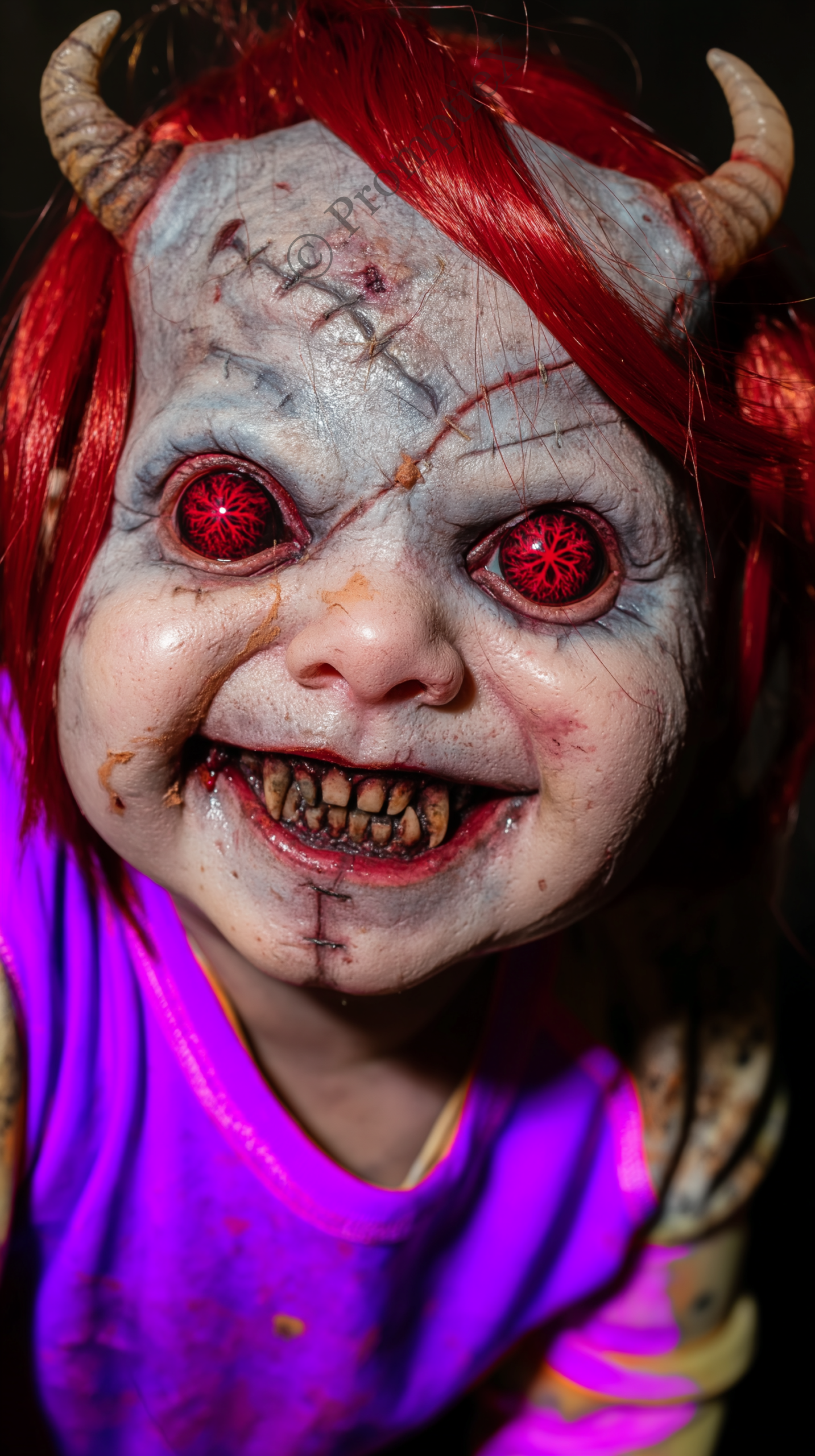 SCARY BABY
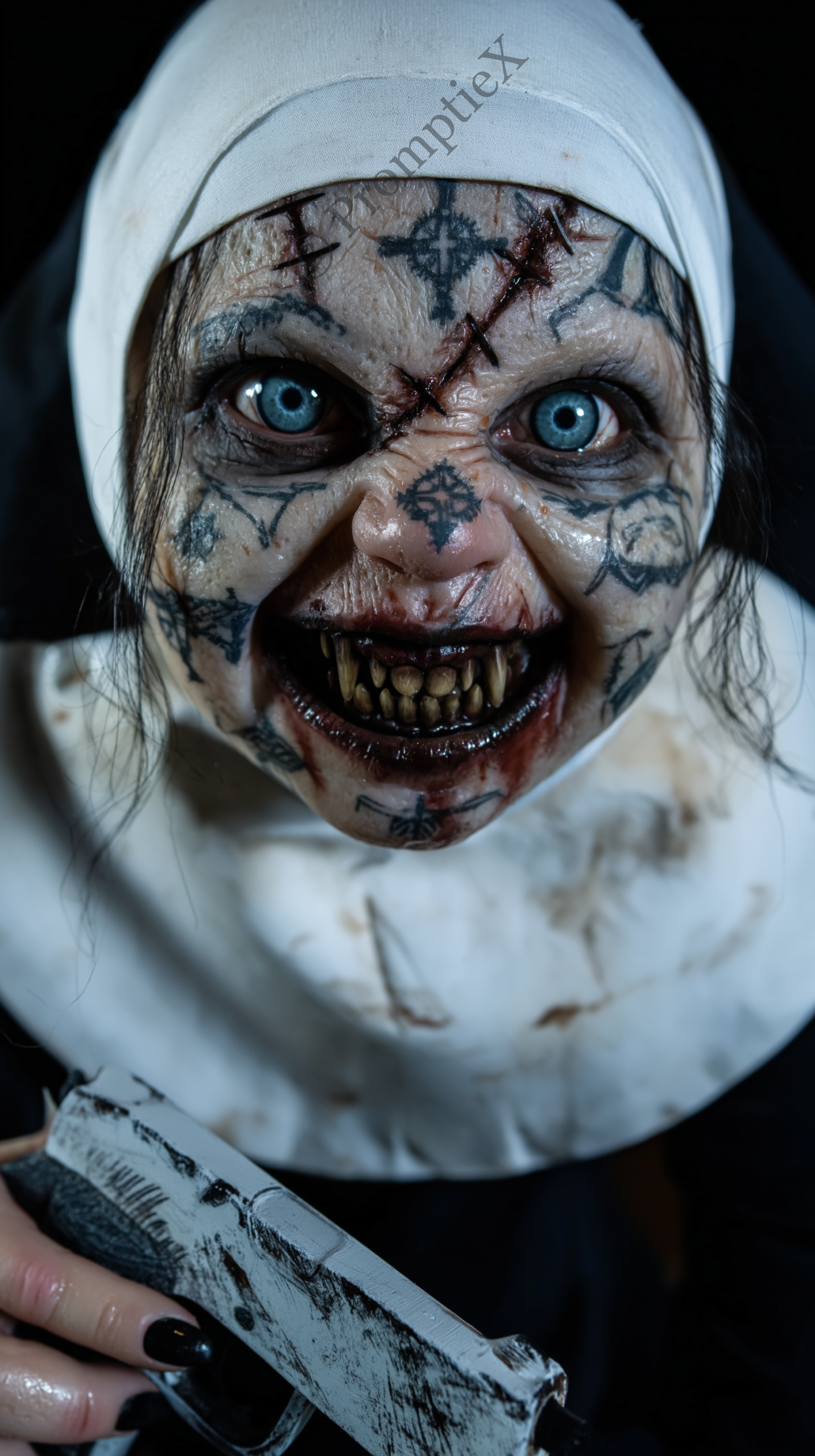 SCARY BABY
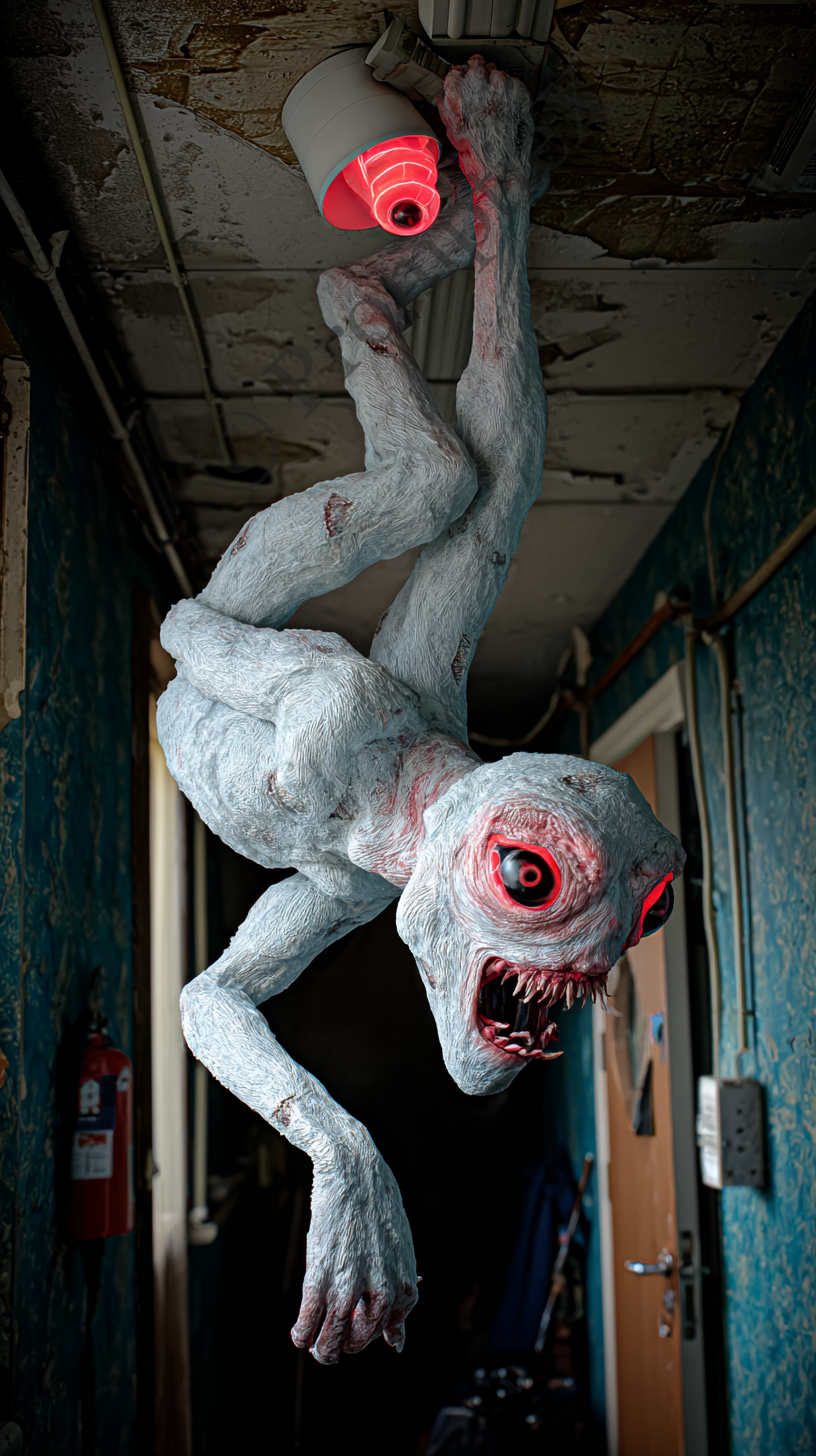 GENERAL HORROR
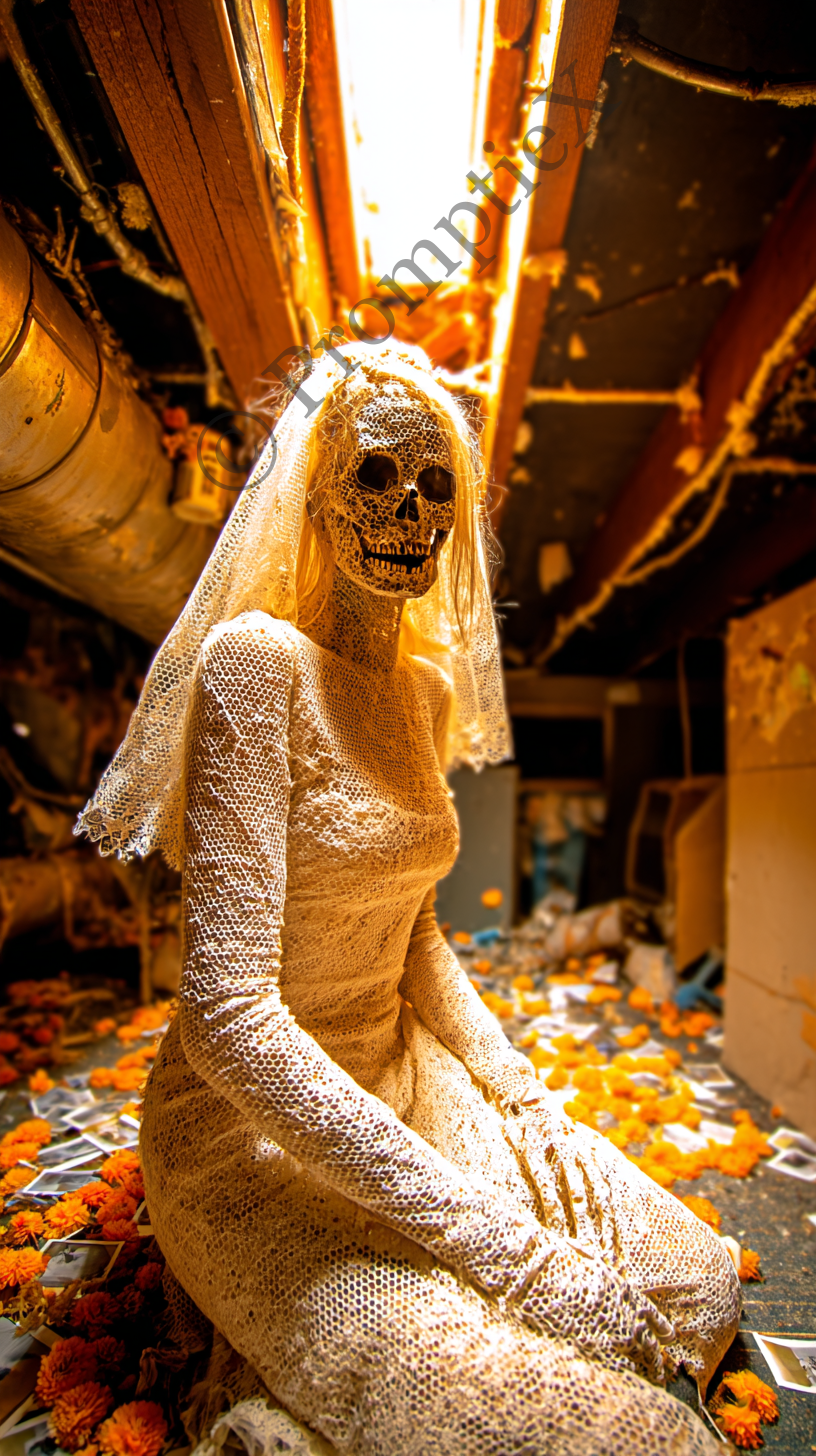 GENERAL HORROR
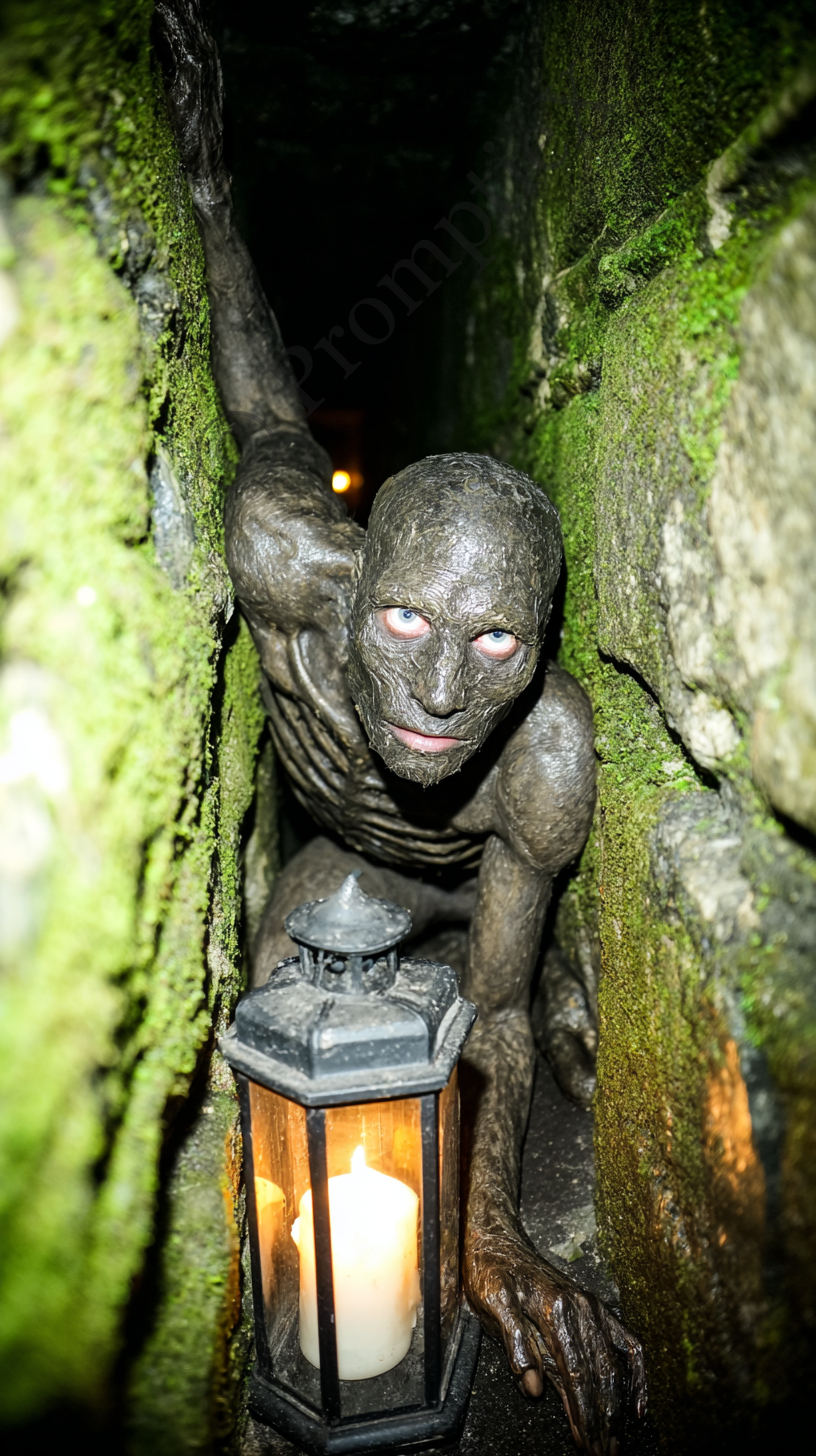 GENERAL HORROR
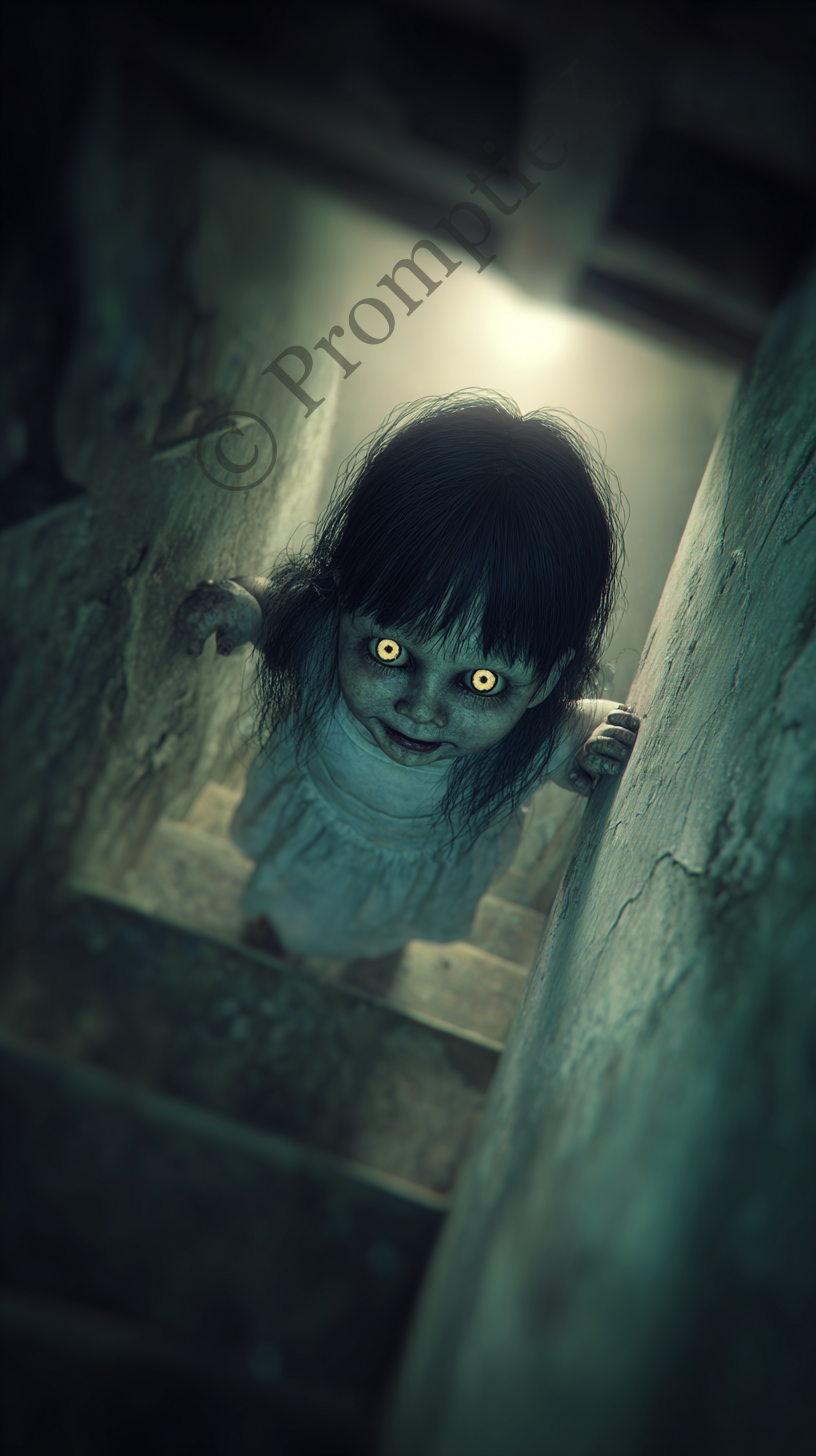 GENERAL HORROR
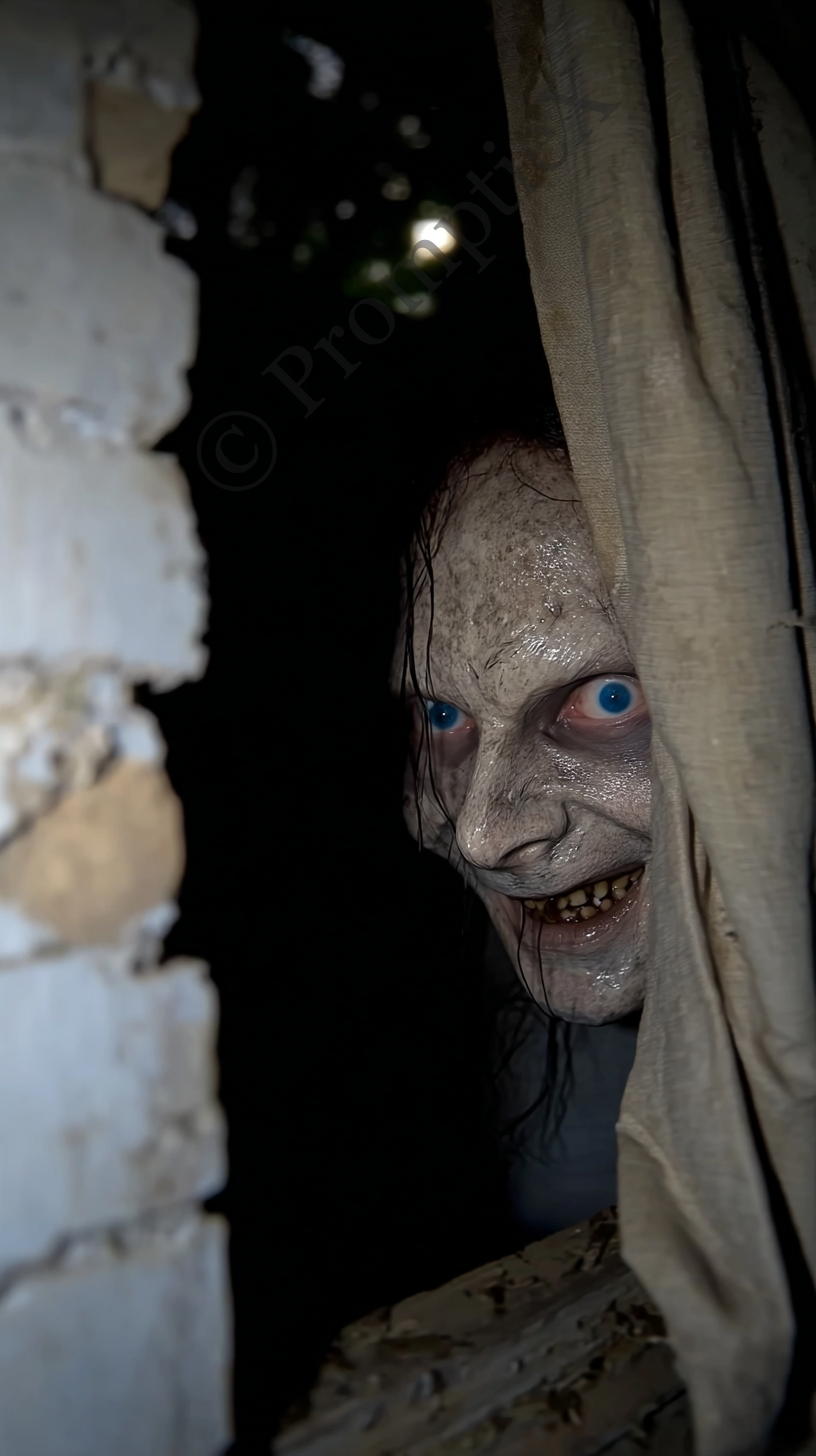 GENERAL HORROR
SCARY BABY
SCARY BABY
GENERAL HORROR
SCARY BABY
SCARY BABY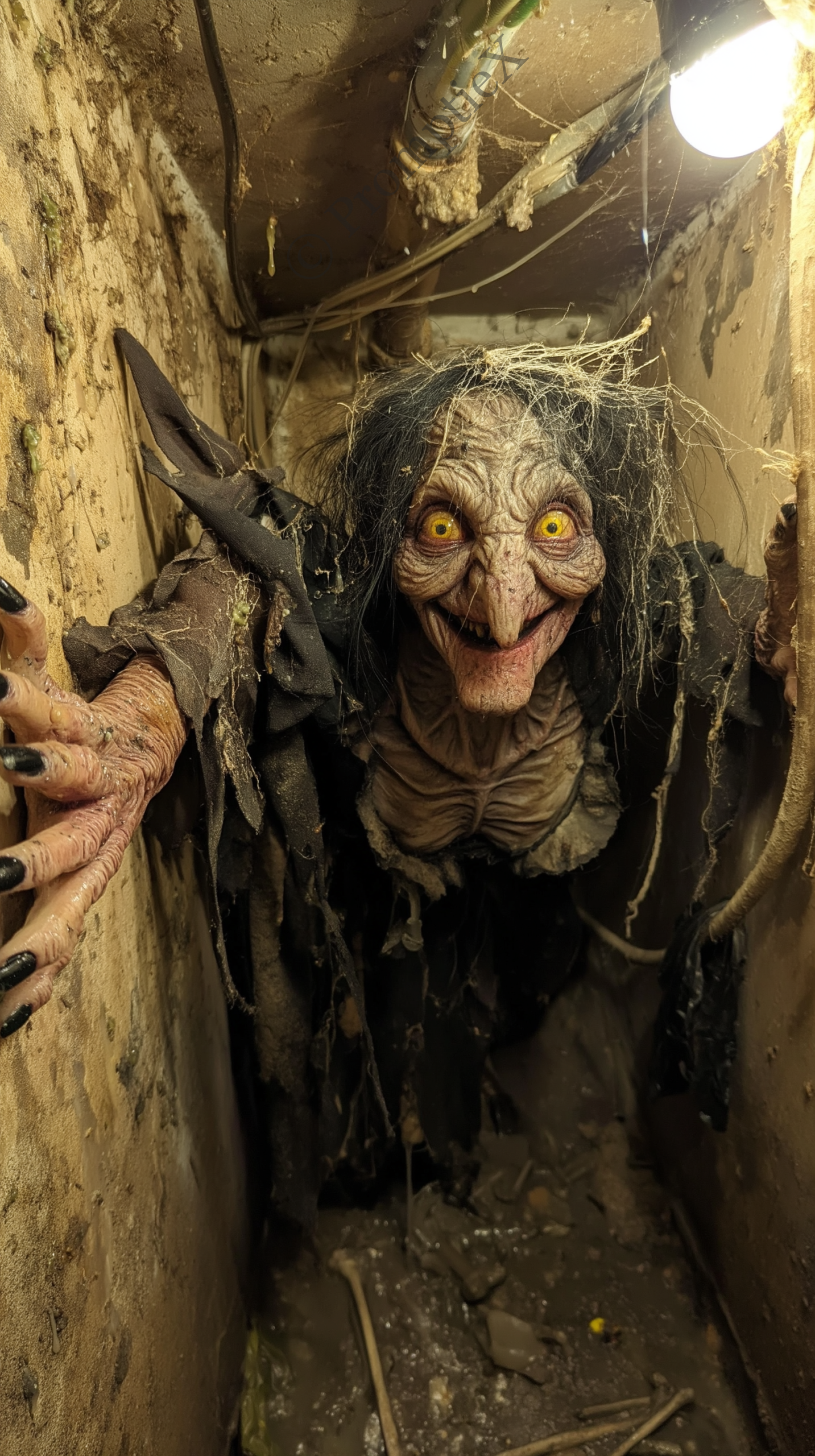 GENERAL HORROR
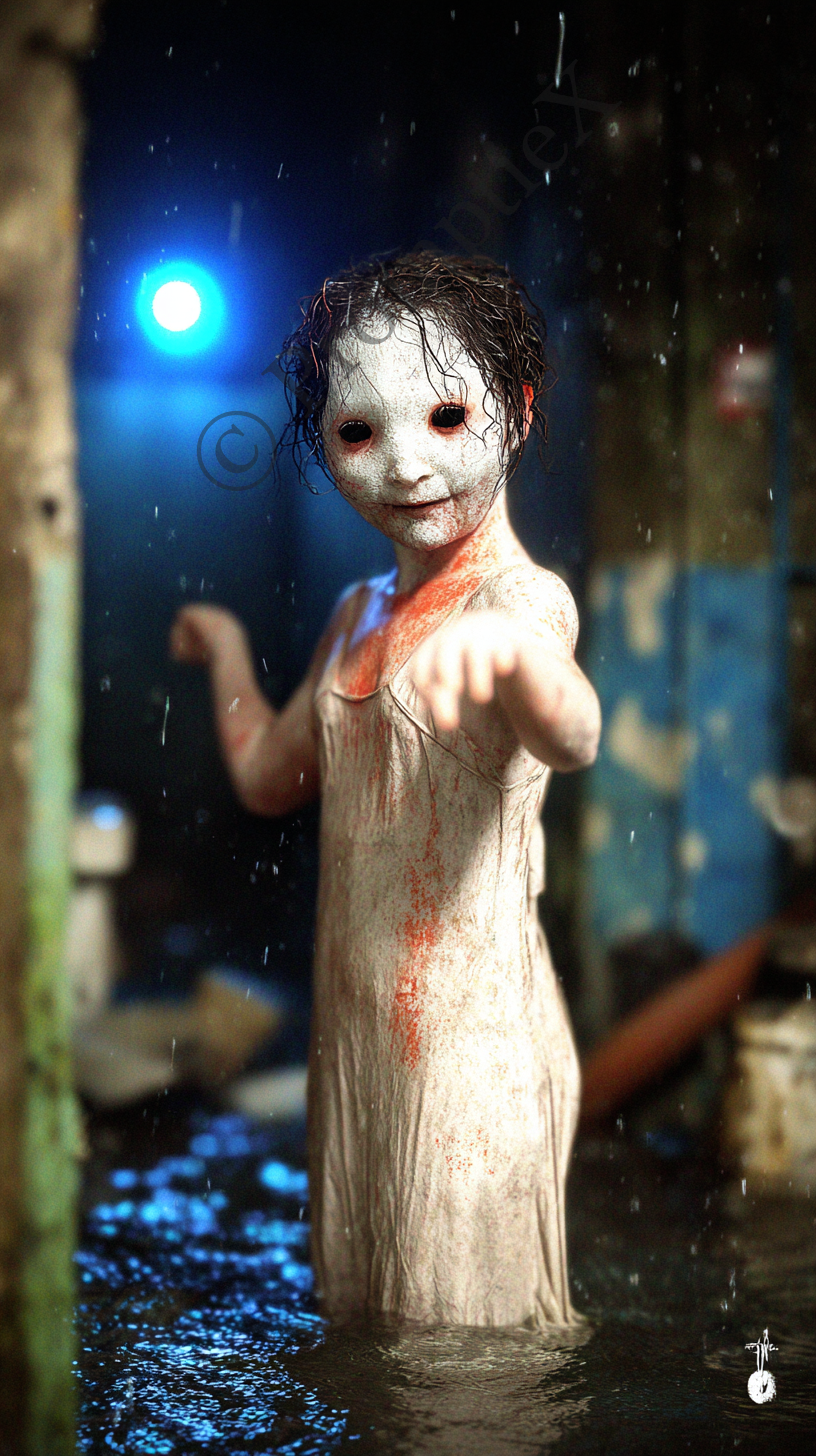 GENERAL HORROR
GENERAL HORROR
GENERAL HORROR
GENERAL HORROR
GENERAL HORROR
GENERAL HORROR
GENERAL HORROR
GENERAL HORROR
GENERAL HORROR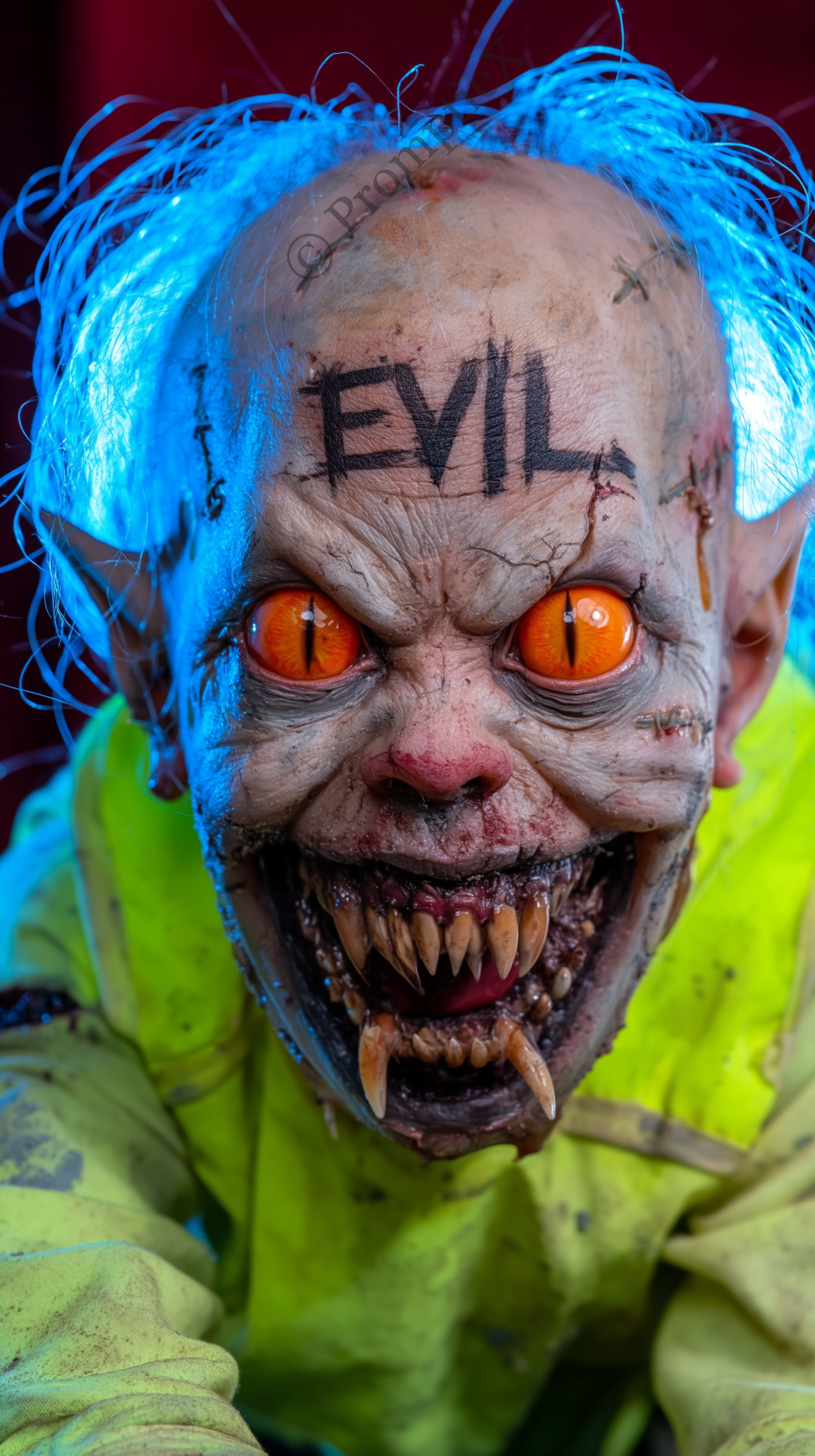 SCARY BABY
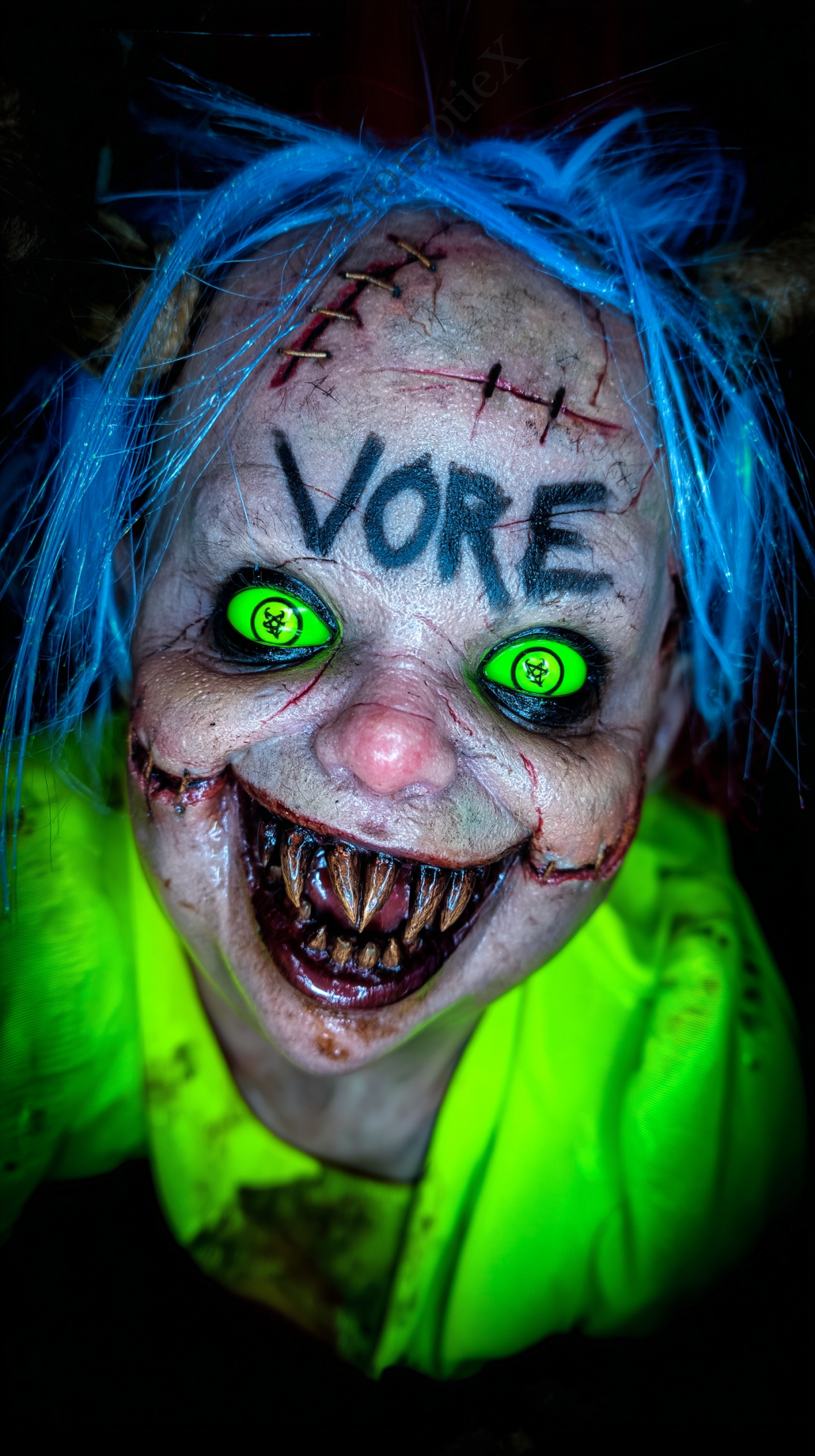 SCARY BABY
 SCARY BABY
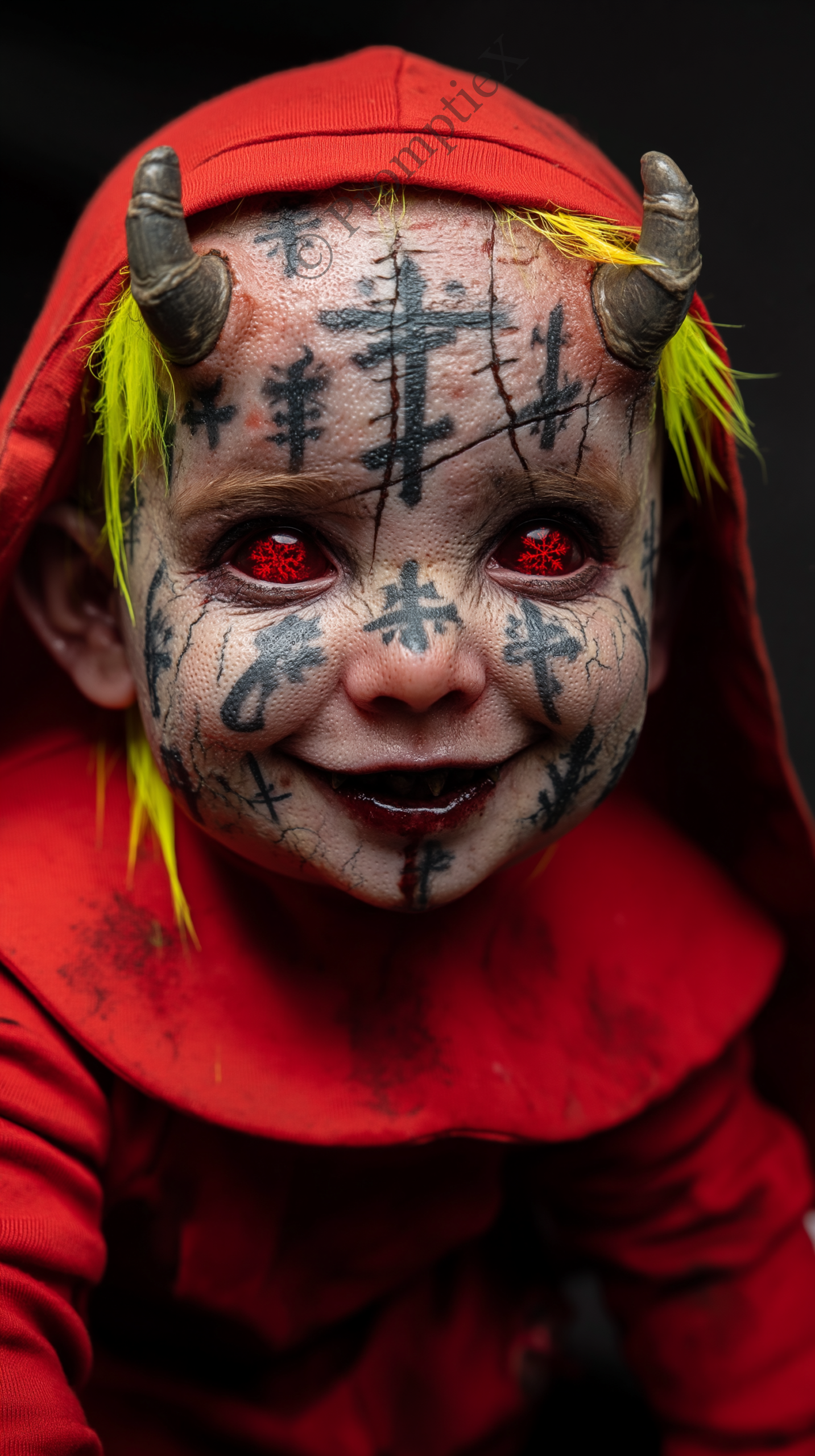 SCARY BABY
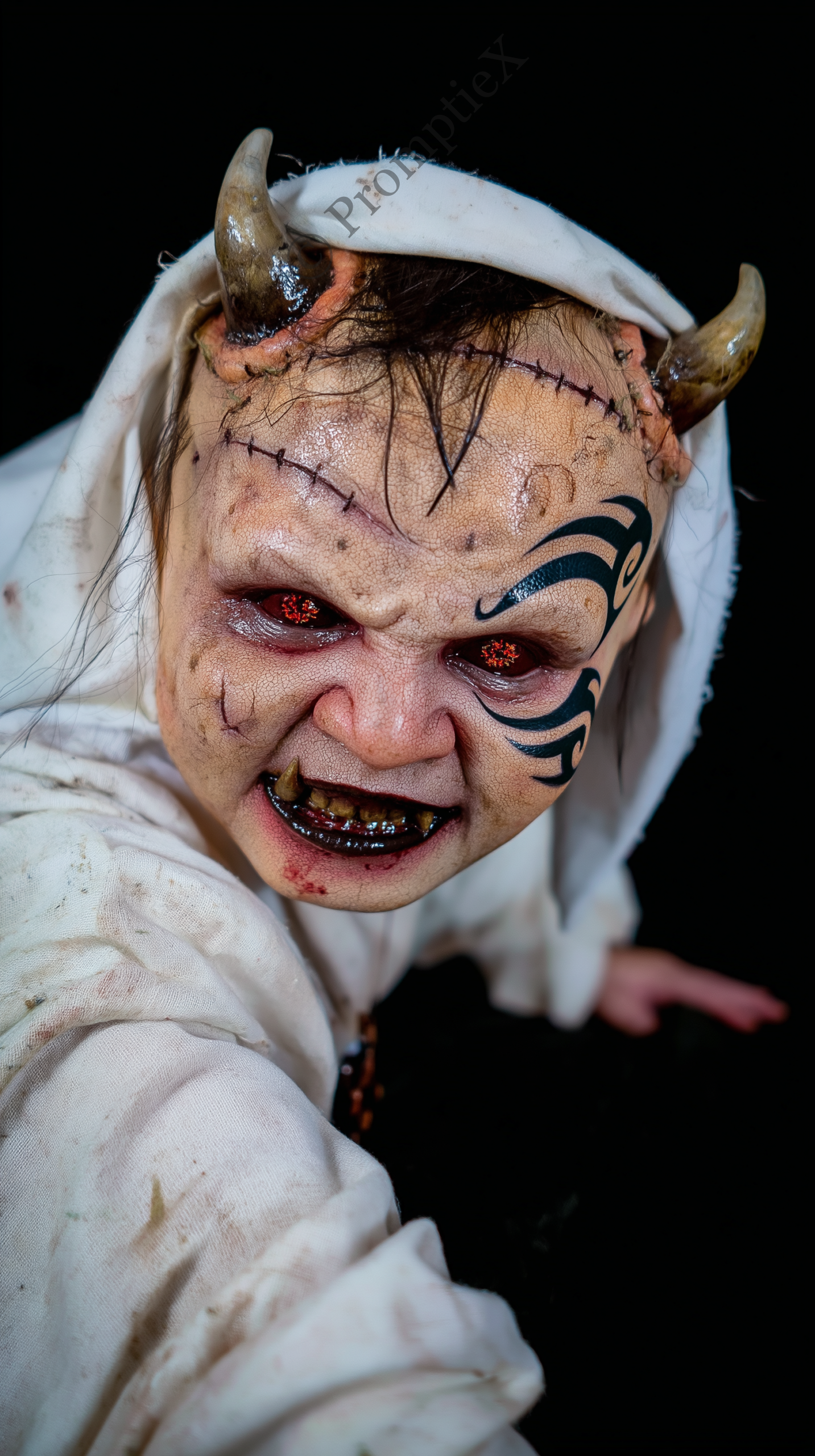 SCARY BABY
GENERAL HORROR
SCARY BABY
GENERAL HORROR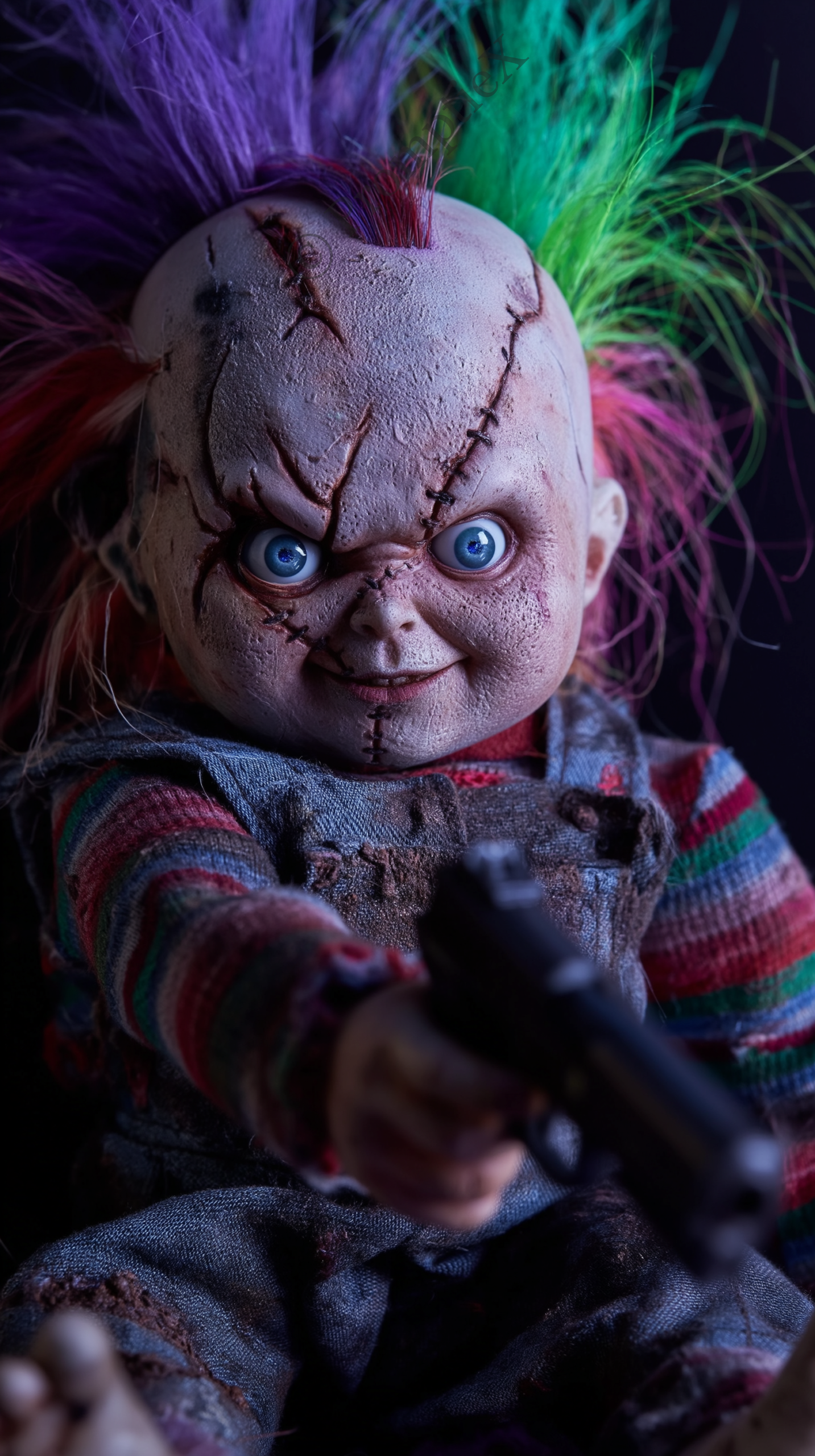 SCARY BABY
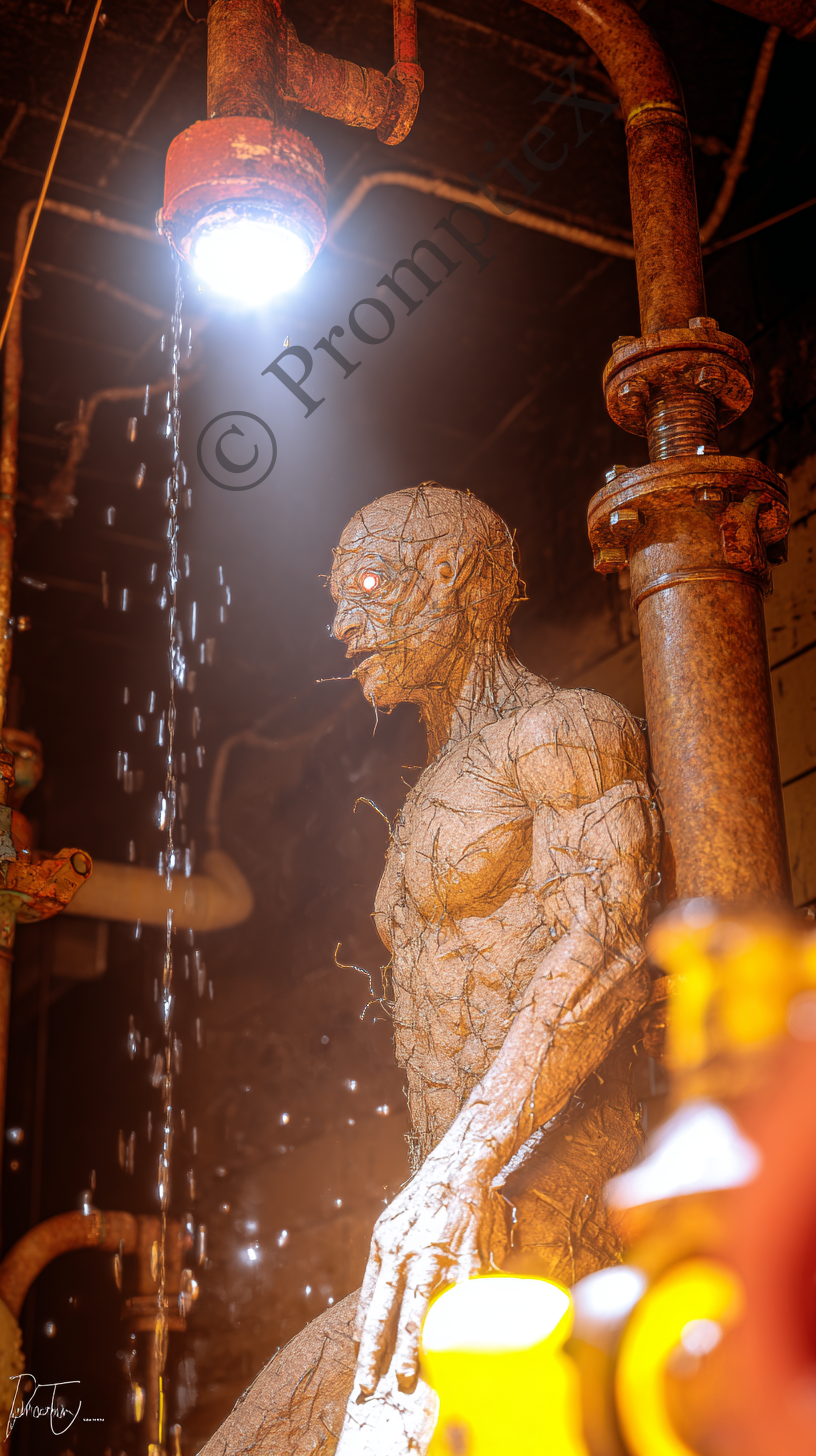 GENERAL HORROR
 GENERAL HORROR
SCARY BABY
SCARY BABY
SCARY BABY
SCARY BABY
SCARY BABY
GENERAL HORROR
SCARY BABY
SCARY BABY
SCARY BABY
SCARY BABY
SCARY BABY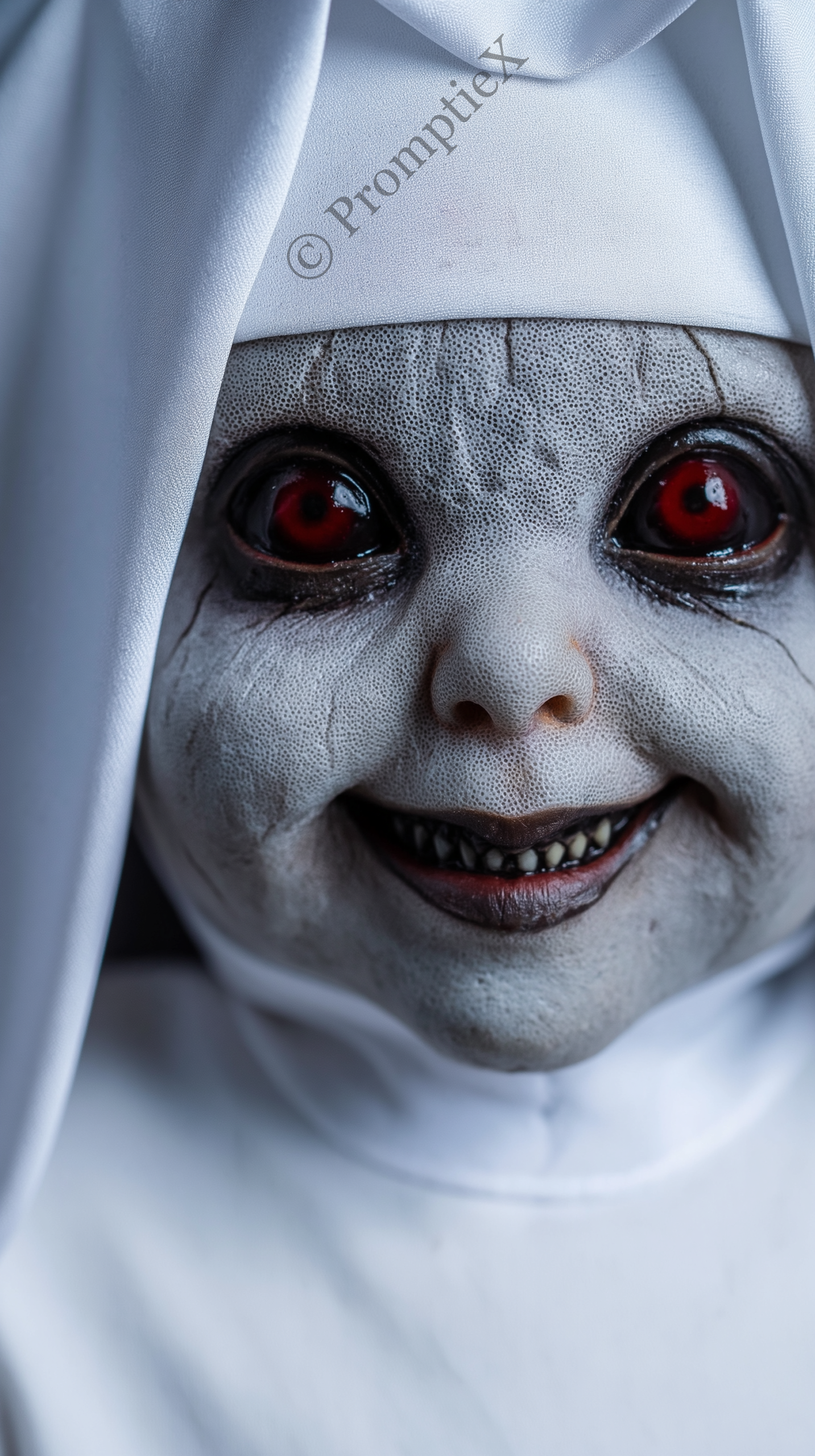 NUN
GENERAL HORROR
NUN
GENERAL HORROR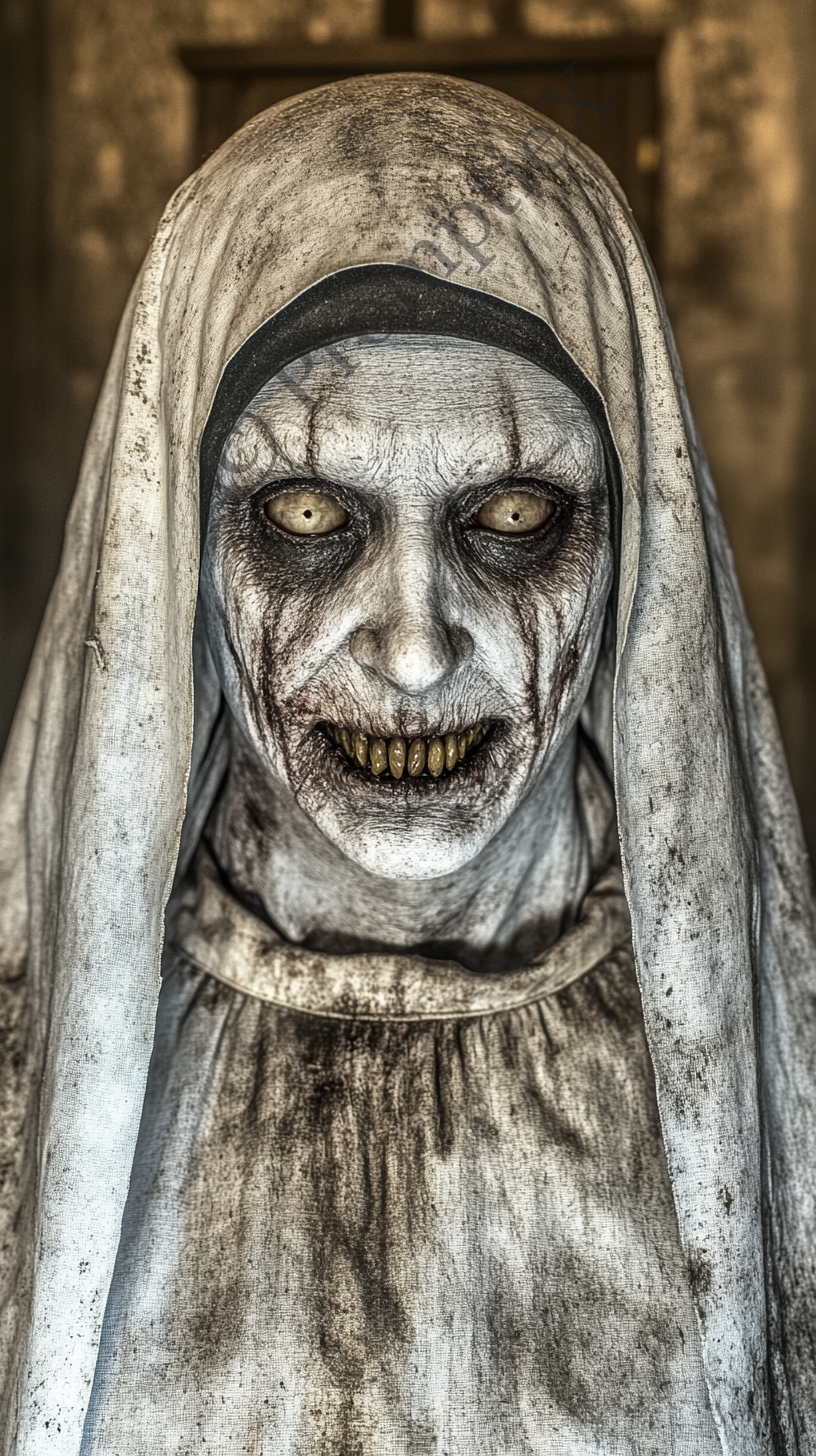 NUN
GENERAL HORROR
NUN
GENERAL HORRORWhat Are Midjourney Horror Photo Prompts?
If you want to create scary, cinematic and realistic horror images with AI, Midjourney horror photo prompts are the fastest way to get there. A good horror prompt is not just a description of something scary. It tells Midjourney exactly what kind of fear you want to create, what the lighting looks like, how the subject is positioned, and what mood the final image should carry.
Every prompt in this collection was written and tested specifically for Midjourney v7 and v8. The goal was always the same: produce images that feel genuinely disturbing rather than obviously AI-generated or cartoonish. That requires a very different approach compared to standard portrait or landscape prompts.
Good Midjourney horror photo prompts are built around a few core elements. The subject needs a specific type of wrongness, not just generic scary adjectives. The lighting needs to be described in photographic terms. The environment should feel real and grounded. And the mood cues need to point toward a specific emotional reaction, whether that is dread, unease, or pure shock.
This library covers the most requested horror categories including horror nuns, scary babies, horror portraits, scary faces and general horror scenes. All Midjourney horror photo prompts are free to copy and use with no signup required.
How to Use Midjourney Horror Photo Prompts from This Collection
Getting started with these Midjourney horror photo prompts takes less than a minute. Here is the full process from start to finish.
- Browse the prompt cards at the top of this page and find a horror image you want to recreate.
- Click the card to open the full prompt page.
- Hit the Copy button to grab the complete prompt text.
- Open Midjourney on Discord or through the web interface.
- Type the
/imaginecommand and paste the prompt. - Add any parameters you want at the end, then generate.
- Upscale your favorite result from the four variations.
💡 For the most realistic horror output, add --style raw --v 7 --weird 50 to the end of any prompt. This removes Midjourney's default smoothing and pushes results into grittier, more unsettling territory.
Most Midjourney horror photo prompts in this collection are ready to use exactly as written. Some include optional notes about what to adjust if you want a different variation of the same horror concept.
Midjourney Horror Photo Prompt Categories
This collection of Midjourney horror photo prompts is organized into five main categories. Each one targets a different type of horror aesthetic. Use the filter buttons above the grid to browse by category.
Midjourney Horror Portrait Photo Prompts
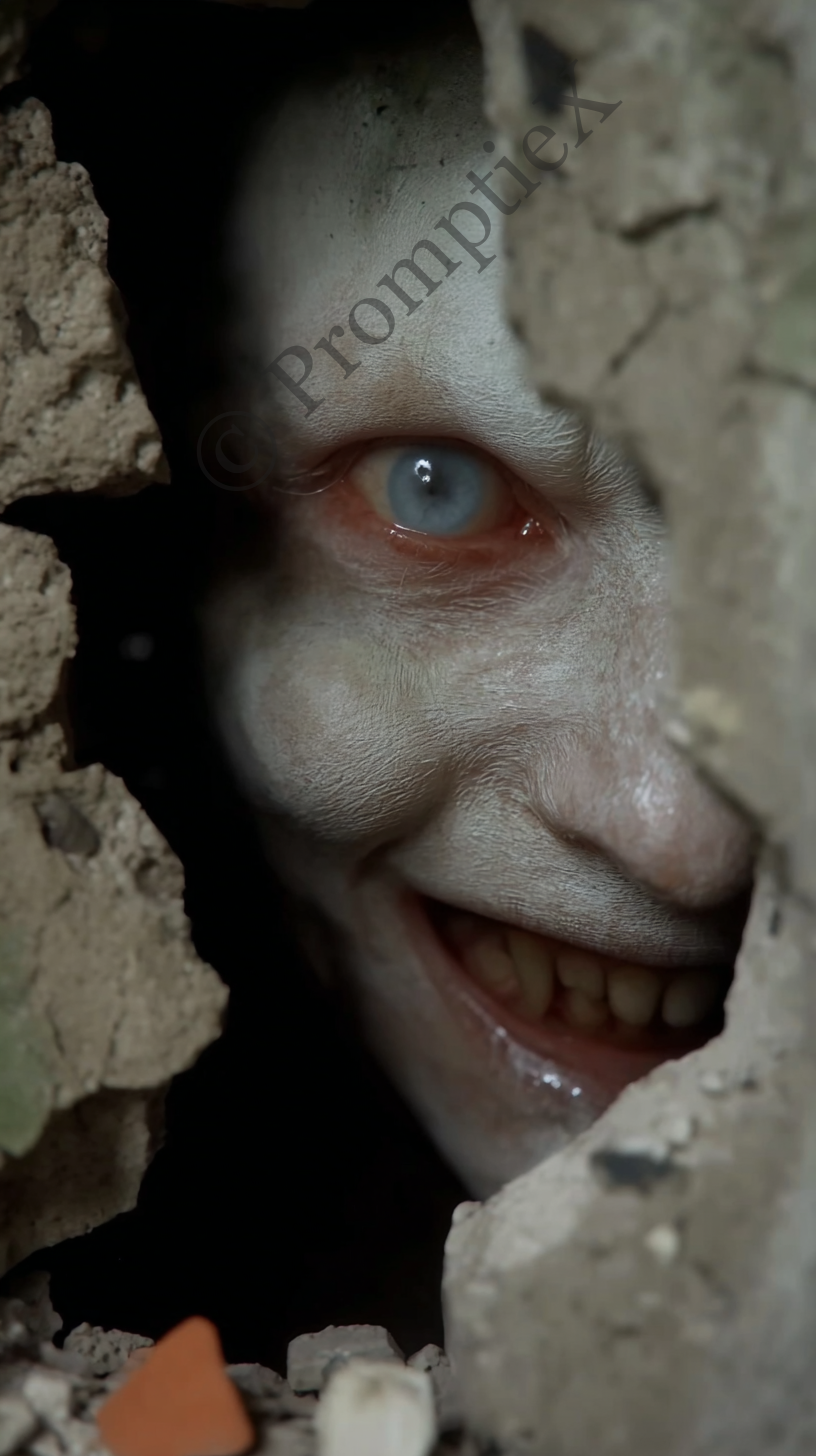
Horror portrait prompts focus on the human face. The goal is not to make someone look obviously monstrous but to introduce subtle wrongness that makes the viewer uncomfortable. Think hollow cheekbones, eyes that sit slightly off, skin that looks almost right. These Midjourney horror photo prompts consistently produce some of the most engaging content for horror social media accounts because they feel real enough to be unsettling.
Midjourney Nun Horror Photo Prompts
Religious horror is one of the strongest performing categories for AI horror content. A nun in the wrong setting, with the wrong expression, creates immediate dread without needing any graphic elements. These Midjourney horror photo prompts build on that by specifying candlelit environments, shadowed faces, and the kind of stillness that feels like a threat.
Scary Baby Midjourney Horror Photo Prompts
The uncanny valley hits hardest with infants. Something that should be completely innocent but is not creates a specific type of fear that is hard to shake. These Midjourney horror photo prompts use very controlled language around facial expressions, eye descriptions, and environmental placement to produce images that feel deeply wrong without relying on gore or obvious distortion.
Scary Face Midjourney Horror Photo Prompts
Scary face prompts are the most versatile category in this collection. They cover everything from hollow-eyed human faces to more abstract horror expressions. These work well as standalone horror images, as video thumbnails, and as reference frames for AI horror video workflows using tools like Kling or Veo.
General Midjourney Horror Photo Prompts
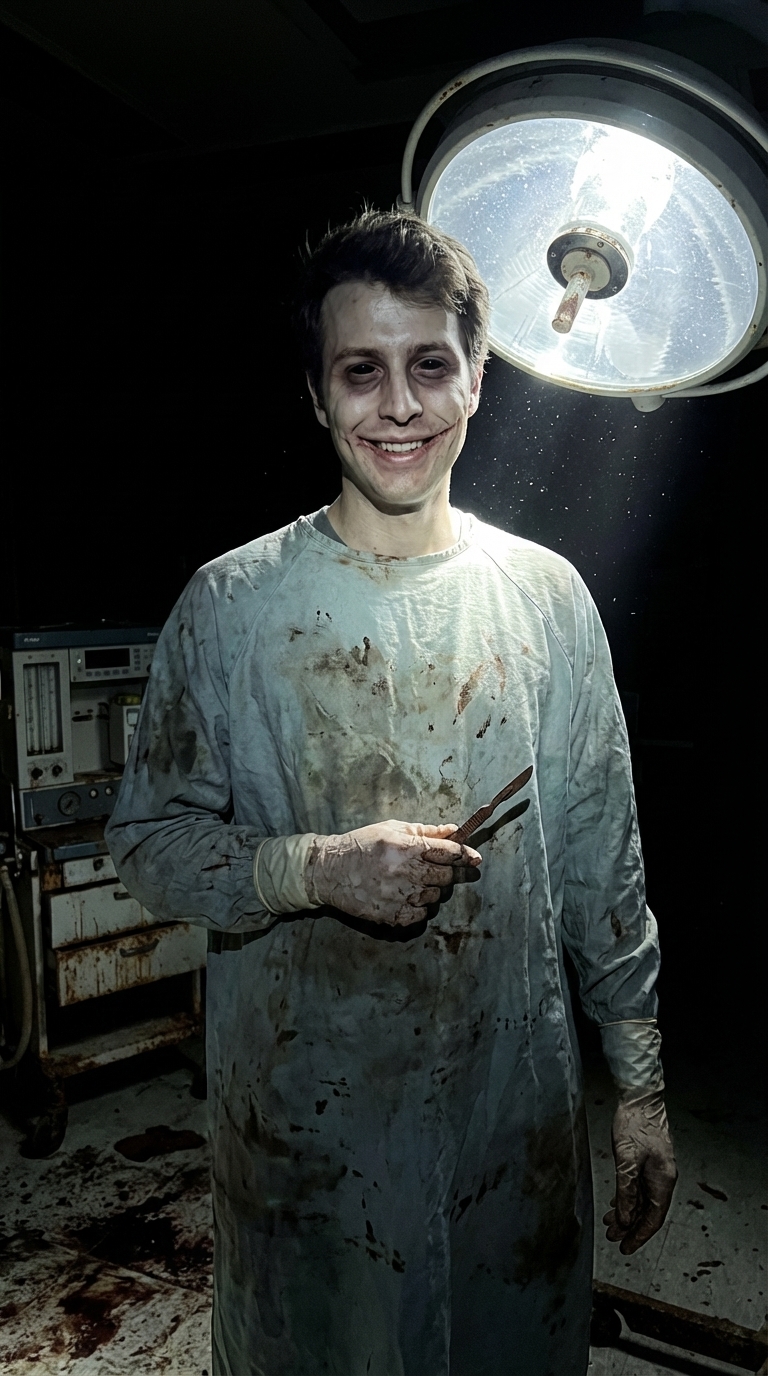
The general horror category covers atmospheric and scene-based horror that does not fit neatly into a single archetype. Abandoned spaces, environmental dread, figures in the background of otherwise normal scenes. These Midjourney horror photo prompts are especially useful for content creators building longer horror narratives or series.
Tips for Getting Better Results from Midjourney Horror Photo Prompts
Writing strong Midjourney horror photo prompts is a skill that takes time to develop. These are the most effective techniques from extensive testing across all the categories in this collection.
Write in Photographic Language
Midjourney responds much better to photographic terms than to abstract descriptions. Instead of writing "dark and scary lighting", write "single candle as only light source, deep shadows across the face, no fill light". Instead of "film grain", write "shot on 35mm Kodak Tri-X, visible grain, slightly underexposed". This approach pushes Midjourney toward treating the image as a real photograph rather than an illustration.
Be Specific About What Is Wrong
The most effective Midjourney horror photo prompts do not just label something as scary. They describe exactly what is wrong in precise physical terms. Eyes that are slightly too far apart. A smile that is just a few millimeters too wide. Fingers that bend in the wrong direction. Specific wrongness produces far more unsettling results than adjectives like terrifying or horrifying.
Ground the Subject in a Normal Environment
Placing a horror subject in a mundane, recognizable setting dramatically increases the impact of the image. A horror figure in a dark cave is expected. The same figure standing in a brightly lit suburban kitchen is genuinely disturbing. This contrast between the normal and the wrong is one of the most reliable techniques for Midjourney horror photo prompts.
Control the Lighting Explicitly
Midjourney defaults to balanced, even lighting unless you specify otherwise. The best Midjourney horror photo prompts always describe where the light is coming from and what it does not illuminate. Phrases like "backlit silhouette with no visible face", "single overhead light, deep under-eye shadows" and "candle light only, darkness behind the subject" all force Midjourney toward the kind of lighting that makes horror images work.
Best Midjourney Parameters for Horror Photo Prompts
The parameters you add at the end of a Midjourney horror photo prompt have a significant impact on the final result. These are the settings that produce the strongest horror outputs consistently.
Essential Parameters for Midjourney Horror Photo Prompts
--style raw is the single most important parameter for horror work. It removes the default aesthetic smoothing that Midjourney applies to most images and gives you grittier, more photographic results. Almost every Midjourney horror photo prompt in this collection benefits from this parameter.
--weird 50 to --weird 100 introduces a controlled level of uncanniness into the image. At lower values it is subtle. At higher values it becomes more abstract. For most horror portrait work, values between 50 and 75 produce the best results.
--chaos 15 to --chaos 30 increases variation between the four generated images, useful when you want to explore different interpretations of the same horror concept.
Aspect Ratio for Midjourney Horror Photo Prompts
For horror content designed for Instagram Reels, TikTok or YouTube Shorts, use --ar 9:16. This is the standard vertical format for mobile-first platforms and works well for horror portrait compositions. For thumbnails and standalone images, --ar 3:2 or --ar 1:1 works better depending on where the image will be used.
💡 A solid starting point for any Midjourney horror photo prompt from this collection: add --style raw --ar 9:16 --v 7 --weird 50 and you will get realistic, disturbing results that work well for horror content on social media.
More AI Horror Prompt Resources on PromptieX
If you are building a horror content channel or regularly creating AI horror imagery with Midjourney horror photo prompts, these other pages on PromptieX cover the full workflow from image generation through to video production.
- Artiexhouse Horror AI Video Prompts — the complete workflow for generating horror videos with Kling and Veo, including scene timing, jumpscare structures and step by step prompt breakdowns.
- Character Reference Horror Prompts — built specifically for maintaining character consistency across multiple AI image generations using Nano Banana Pro.
- Free Character Reference Prompts — the full PromptieX character reference library across all styles beyond just horror.
- Best AI Tools for Horror Content — a comparison of every AI image and video tool worth using for horror content creation in 2026.
- Midjourney Showcase — the official gallery where you can find inspiration and study what prompts are producing the best results right now.
- PromptHero — a community prompt database with a searchable horror category worth exploring for additional reference.
Every Midjourney horror photo prompt on this page is completely free to use. No account needed, no credits, no limits. Copy any prompt directly from the cards above and start generating.